DeepFocus: Pomodoro
Timer & Todo List
An elegant Pomodoro timer extension with persistent background service-worker tracking, smart color-coded task management, detailed productivity analytics, and custom offline audio alerts.
DeepFocus
v1.0.0 • Popup viewTry the DeepFocus Live Simulator
Manage your tasks and run the Pomodoro timer. Click sound buttons below to test the Web Audio sound alert system.
Focus Todo List
Key Capabilities
Background Resilient Timer
Engineered specifically to bypass Manifest V3 Service Worker limits. DeepFocus operates accurately even if you restart your browser, close popups, or put your device to sleep.
Color-Coded Tasks
Organize items with color-coded categories. Assign custom project scopes (Work, Study, Writing, etc.) and tie Pomodoro intervals to individual task progress.
Focus Analytics Reports
Track your consistency with beautiful offline metrics. Displays daily calendar heatmaps, hourly productivity distributions, and cumulative stats.
Synthesized Chimes
Alert sounds are synthesized on-the-fly using browser Offscreen audio buffers. Eliminates the need to download large remote audio files, ensuring instant offline alerts.
Privacy-First Policy
Runs 100% locally. DeepFocus saves configs and records inside your client browser sandboxed engine. Zero user tracking, zero data telemetry.
Local Notifications
Integrates directly with browser notification channels to wake you up gently when break or focus segments conclude.
Extension Interface Screenshots
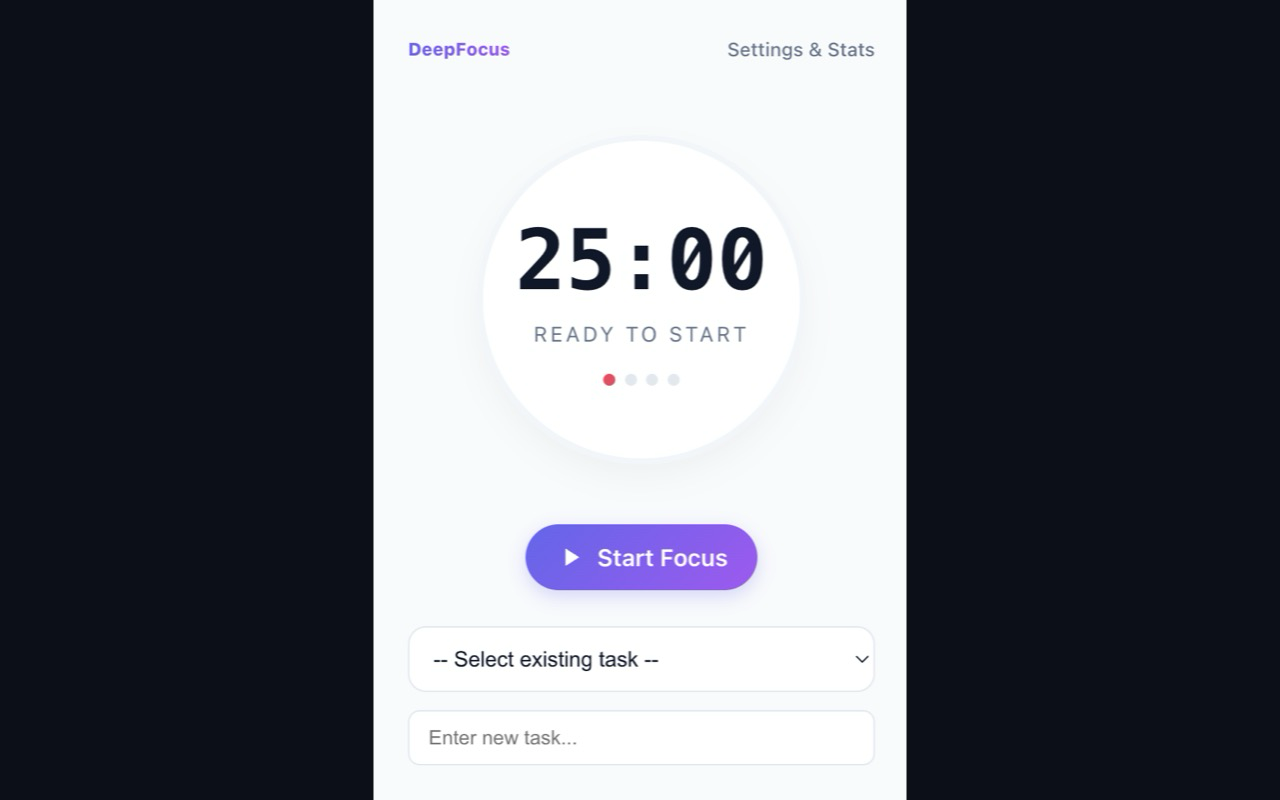
1. Minimalist popup focus countdown interface
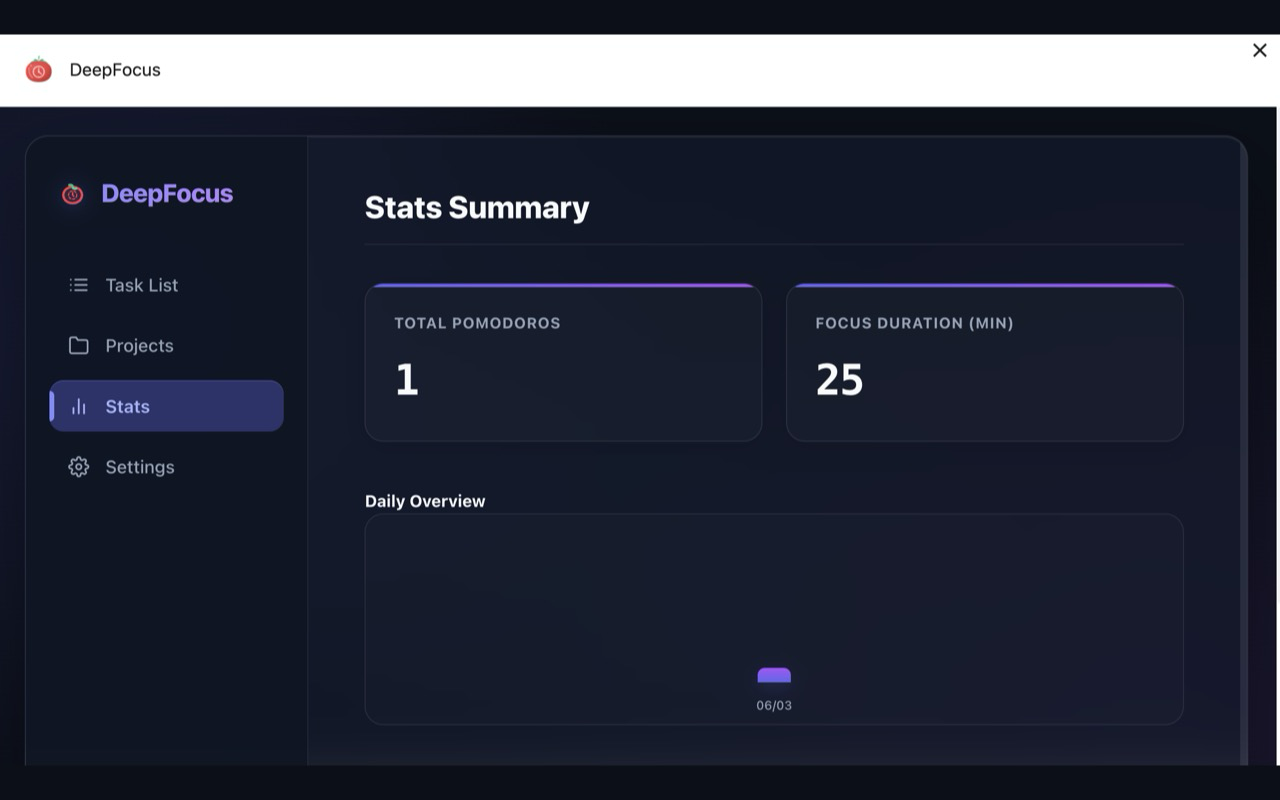
2. Integrated analytical reports and history metrics
Support & FAQs
The storage permission is required to save tasks, project colors, and focus statistics locally in your browser. The alarms permission is critical to wake up Chrome Service Workers, keeping background countdown intervals accurate even when your browser popup is closed.
Privacy Policy
Effective Date: June 19, 2026
1. Data Collection and Usage
DeepFocus does not collect, harvest, or request any personally identifiable information (PII) such as names, email addresses, IP addresses, or browsing history. The extension does not contain third-party tracker scripts.
2. Permissions Used and Rationale
- storage: Used to save your focus preferences and tasks inside client-side local cache.
- alarms: Used to wake up service workers periodically for accurate background tracking.
- notifications: Used exclusively to generate alerts when focus blocks conclude.
- offscreen: Used to play audio chimes locally through standard offscreen documents.
3. Data Security and Local Isolation
All your task lists, configuration presets, and stats graphs are processed and saved 100% locally in your browser's local storage (chrome.storage.local). None of this data is ever sent to external databases.
4. Contact
If you have questions regarding this policy, please open a ticket on our public GitHub repository.
Stay Focused and Organised
Install DeepFocus now to practice the Pomodoro technique with stable background timer scripts and beautiful charts completely offline.